Finally, watching pays off.
Finally, watching pays off.
Watch. Earn. Repeat.




Still giving your attention… and getting nothing back?
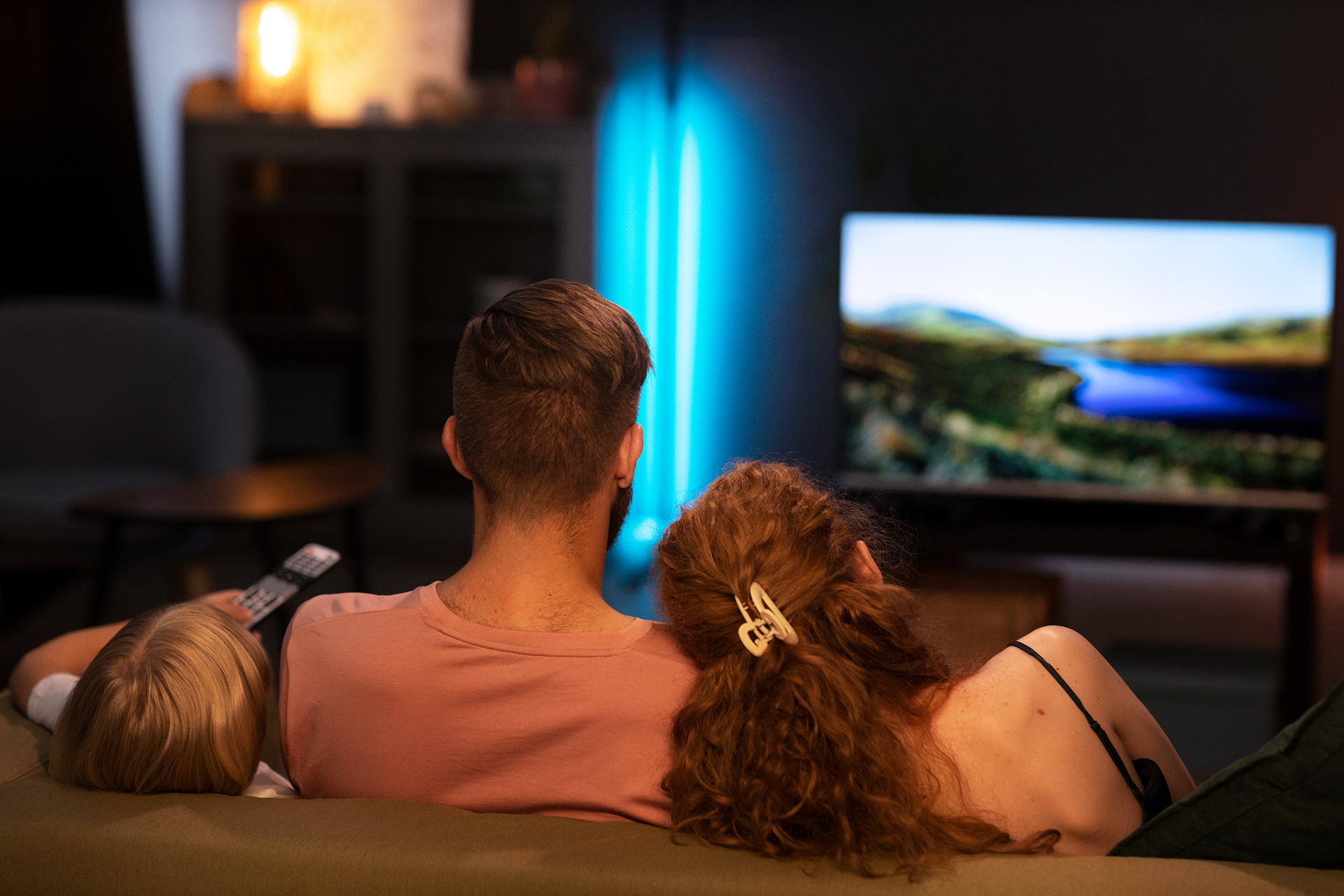
Did you know the average adult spends over 1,500 hours a year in front of the TV?
And during all that time, brands are constantly paying for people’s attention.
Wouldn’t you like to get paid for yours too?
No changes to your routine.
No effort.
No complications.
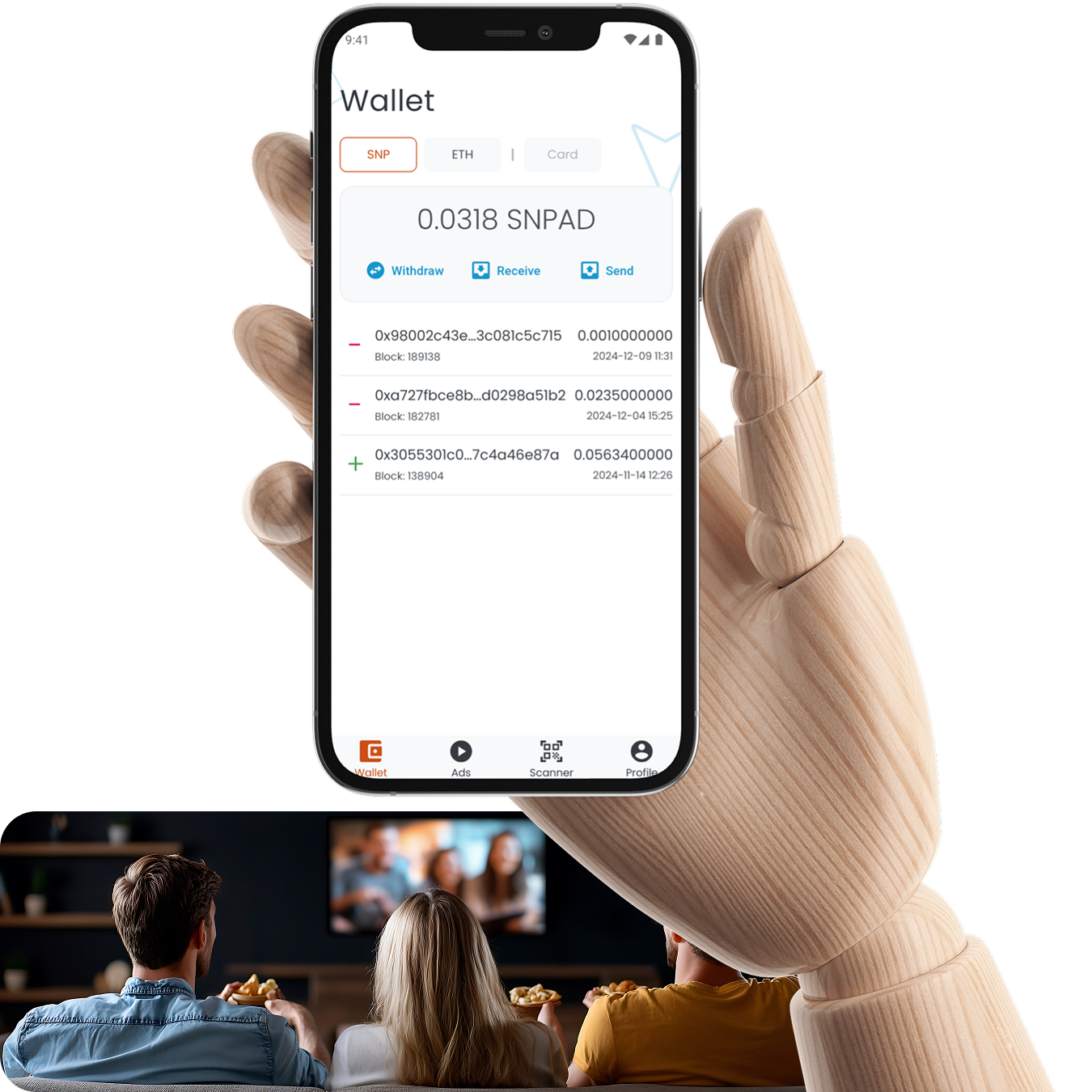
With SNPad, you’re instantly rewarded for every ad you watch.
All that screen time becomes a real source of passive income — without doing anything extra.
Pay attention. Paid attention.
Real passive income
Earn money doing what you already do.
Instant rewards
Get paid right after each ad — no waiting.
No effort, no friction
No schedule. No tracking. Just watch and earn.
Got a Smart TV and a Smartphone?
Then it’s time to start making Smart Money. Just follow three simple steps:
Install the apps Install the apps
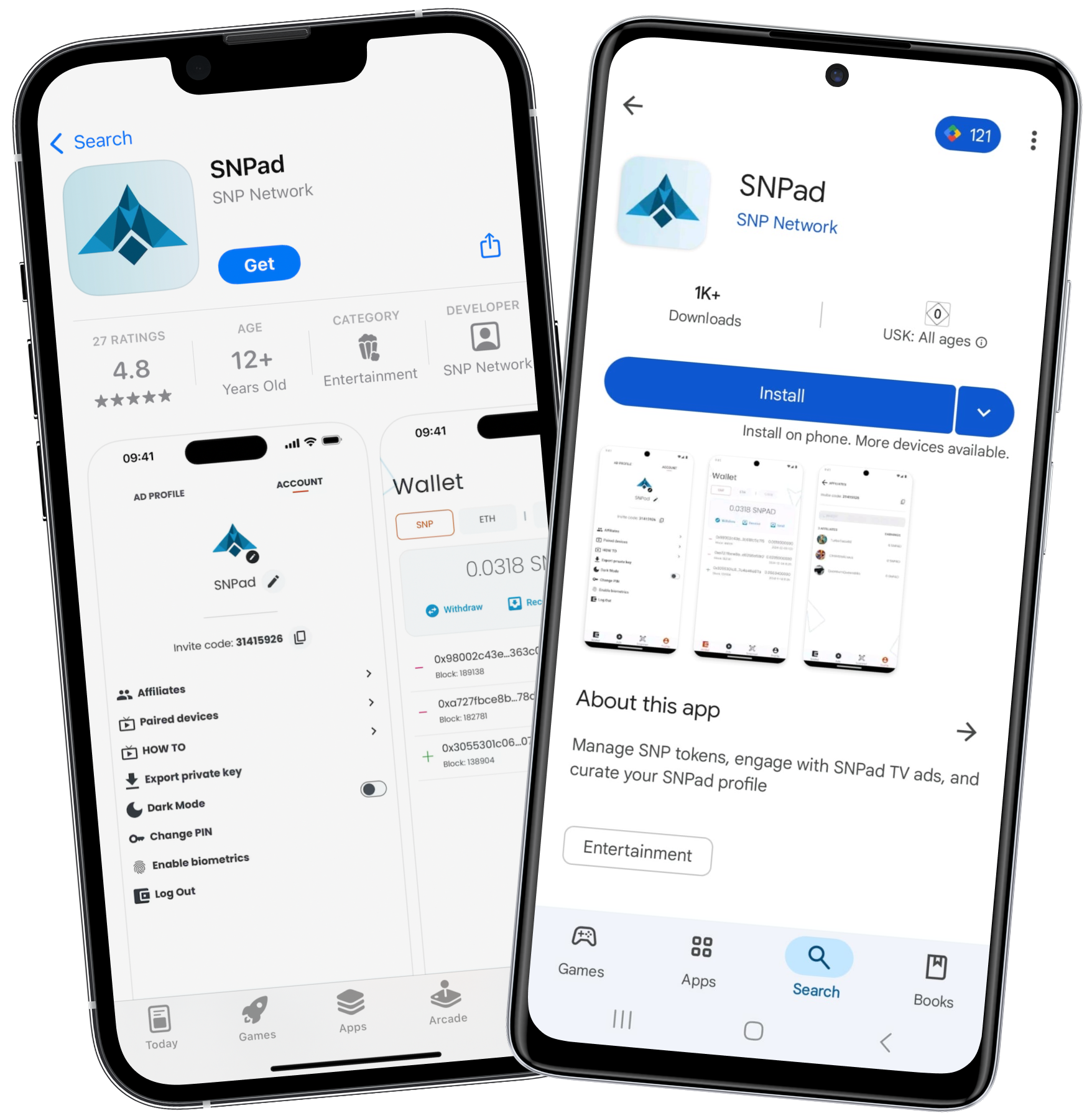
Download SNPad on your smartphone and Smart TV.
Set up your profile Set up your profile
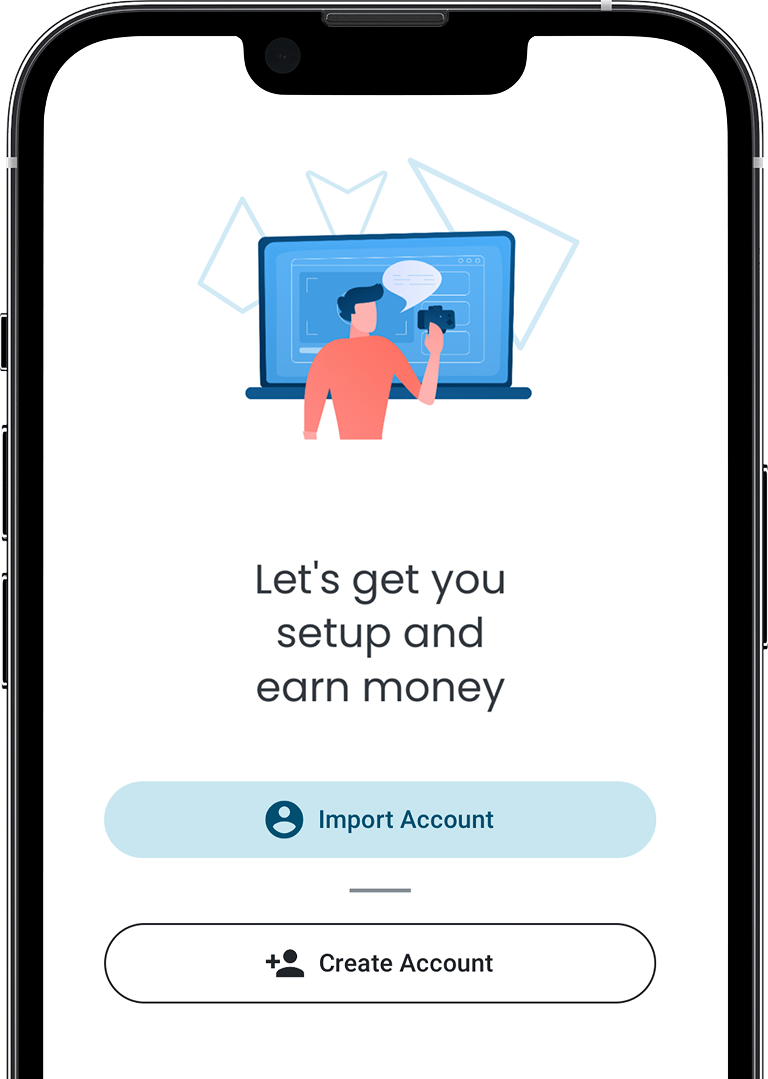
Create your account and link your devices once.
Watch and earn Watch and earn
Keep watching like you always do. SNPad works in the background — and you earn automatically.
Installation Guideline
Frequently Asked Questions
No. This is an affiliate website. The official site is: https://snpad.com.
You watch TV as usual, and the app automatically detects commercial breaks. During those breaks, ads from the SNPad network are displayed, and you’re rewarded instantly.
No. SNPad automatically plays ads from the platform during regular ad breaks. You don’t have to choose or search for anything.
Your rewards depend on how much time you spend watching and how often ads are displayed.
Rewards are automatically delivered to your wallet inside the mobile app.
Yes. Your smartphone acts as a digital wallet and control hub, while the Smart TV plays the ads and generates your rewards.
SNPad is available on most TVs with Google TV or Android TV (Sony, Philips, TCL, Xiaomi, etc.), on Samsung Smart TVs, and on LG models released after 2016. The app also works on any smartphone running Android or iOS. Compatibility may vary depending on the model.
When you first install the app, you’re given a recovery phrase (12 or 24 words). If you lose your device, you can restore your account using that phrase — so make sure to keep it safe.
Yes. You can connect up to 5 TVs to the same account, but not at the same time. For example, if you connect to a hotel TV while traveling, your home TV will automatically be disconnected.
Yes — at least for now, the SNPad app can only be accessed with a valid referral code. You can use E86A5C3D to create your account.
Still have questions?
Feel free to reach out using the contact form on this site, via WhatsApp, or through SNPad’s official Telegram channels.
Download Our App for Any Devices:
Contact Us
Email us
Please feel free to drop us a line. We will respond as soon as possible.